How to Build a Sales Funnel: Step by Step, With AI
How to build a sales funnel in 6 steps: offer, page, follow-up emails and CRM. Plus how to let an AI assistant build the first draft for you.
Last updated About 5 hours ago
Key takeaways
Figuring out how to build a sales funnel gets a lot easier once you see it's only four parts: an offer, a page that captures contact details, a short series of follow-up messages, and a CRM that tracks each lead until they buy or say no.
Six steps take you from one clear offer to a funnel that's live and tracked.
Automated emails warm people up. Personal follow-up is what usually closes the sale.
Through SAGA's MCP connection, Claude or ChatGPT can build your first draft. You review it and add your voice.
You've got a product you really love. You post about it, and there's a link sitting in your bio.
Then someone taps it. And... what happens next?
If you just shrugged, that's normal. Maybe they land on a generic company page, scroll a bit and leave, and you never find out who they were. That's a funnel with a hole in the bottom.
The usual fix? Weeks of comparing funnel software and templates, and no launch. But for a direct seller or small business, a simple funnel that's live this week beats a perfect one that's still a draft.
So let's go through the six steps, then the fun part: letting an AI assistant build the first draft for you.

What is a sales funnel?
A sales funnel is the path someone takes from first hearing about you to buying. Why "funnel"? Lots of people see the top, fewer sign up, and fewer again buy.
Most funnels have four stages: awareness (they see your post or link), interest (they swap their email for something free), decision (your follow-up answers their questions) and action (they buy or book a call). Here's what you build for each one:
How to build a sales funnel in 6 steps
1. Pick one audience and one offer
Who's this funnel for? "Busy parents who want more energy" beats "everyone." Talk to everybody and nobody feels like you're talking to them.
So: one funnel, one audience, one offer. You can build a second one later.
2. Create a lead magnet
A lead magnet is a free resource people swap their contact details for, like a checklist, a short guide, a quiz or a sample.
Make it specific, useful and quick to consume. "10 Snacks Your Kids Will Actually Eat" beats "Join my newsletter" by a mile.
3. Build the opt-in page
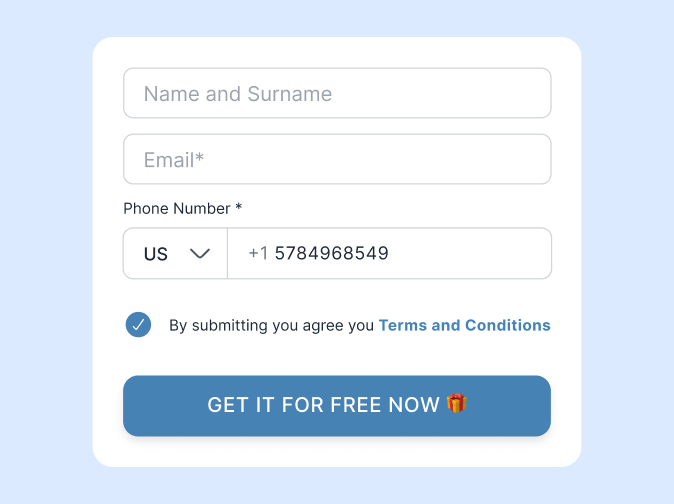
Keep this page almost boring. A headline, three benefits, a short form and one clear button. Nothing else to click.
Every extra link is an escape hatch. And if you collect leads in the EU, add the consent wording and double opt-in your market expects.
4. Write a follow-up sequence
Someone who just grabbed your freebie probably isn't ready to buy yet. That's what follow-up emails are for.
Plan three to five emails over one to two weeks:
Deliver the freebie.
Share a quick win.
Tell a short story.
Answer the common objection.
Invite them to the next step.
5. Send every lead to your CRM
Here's where funnels quietly leak. Tag each new contact with the funnel they came from and give them a follow-up date.
Automated emails warm people up, but personal follow-up is what usually closes the sale. A quick "Hey, did you try the snack ideas?" from you beats email number five.
6. Drive traffic and measure
Now share it in your bio, your stories and your DMs. When a friend asks about that shake you keep posting, send the link instead of a wall of text.
Then track how many visitors opt in. If the rate is low, change the headline first, then the lead magnet. One change at a time, so you know what worked.
How to build a sales funnel with an AI assistant
Okay, this part still feels a bit like magic to us.
AI assistants can now do more than write copy. Through a connection standard called MCP (Model Context Protocol), an assistant like Claude or ChatGPT can take actions inside another app on your behalf. So instead of building each page by hand, you describe the funnel and the assistant builds it.
Yes, really. Here's how it works with SAGA's MCP connection:
Connect once. Copy your MCP server URL from Settings, then Integrations, in SAGA, and add it to your assistant.
Describe the funnel like you'd explain it to a friend. For example: "Create a lead magnet in SAGA called '7-Day Energy Reset' for people interested in our products. Write a headline, four benefits and a thank-you page. Add three follow-up emails: the guide right away, a tip after two days and an invitation after five."
Let it build. The assistant creates the lead magnet, its page copy and up to five automated follow-up emails. It can also build an info page with testimonials, an FAQ and a signup form, and tag every signup.
Review and publish. Read every line, add your own photo and story, then share the link.
Is the first draft perfect? Probably not. But it gets you from a blank page to a working draft much faster.
Your job is the part it can't do: making it sound like you, and following up personally with the people who opt in. Setup steps are in How to connect SAGA to your AI assistant, with more example prompts in the SAGA MCP command guide.
How to choose sales funnel tools: 6 checks
Shopping around? Run any tool through these six checks before you commit.
Do leads land in a CRM automatically? No CSV exports, no copy and paste.
Are follow-up emails built in? The sequence should start the moment someone opts in.
Can you edit pages easily on your phone? You'll be tweaking headlines between errands.
Is consent handled? Look for double opt-in and an unsubscribe link in every email.
Does the price fit your stage? Stacking a page builder, an email tool and a CRM adds up fast.
Do you know how payment works? Some tools take payments, others link to a checkout. Decide before you build.
How SAGA works as a sales funnel builder
SAGA is ours, so take the sales pitch with a pinch of salt. It's built for network marketers, co-designed with Frazer Brookes, who built a 300,000+ team in five years, and it covers every stage of a simple funnel in one app.
Key features
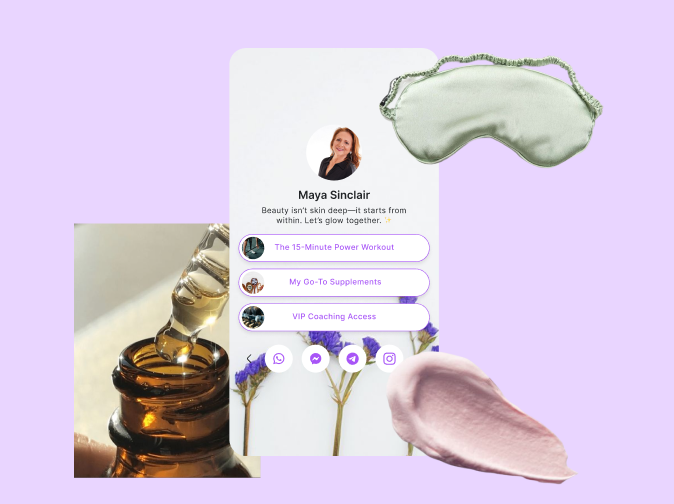
For awareness, there's Linkmate, a link hub that doubles as a lead-capturing business card.
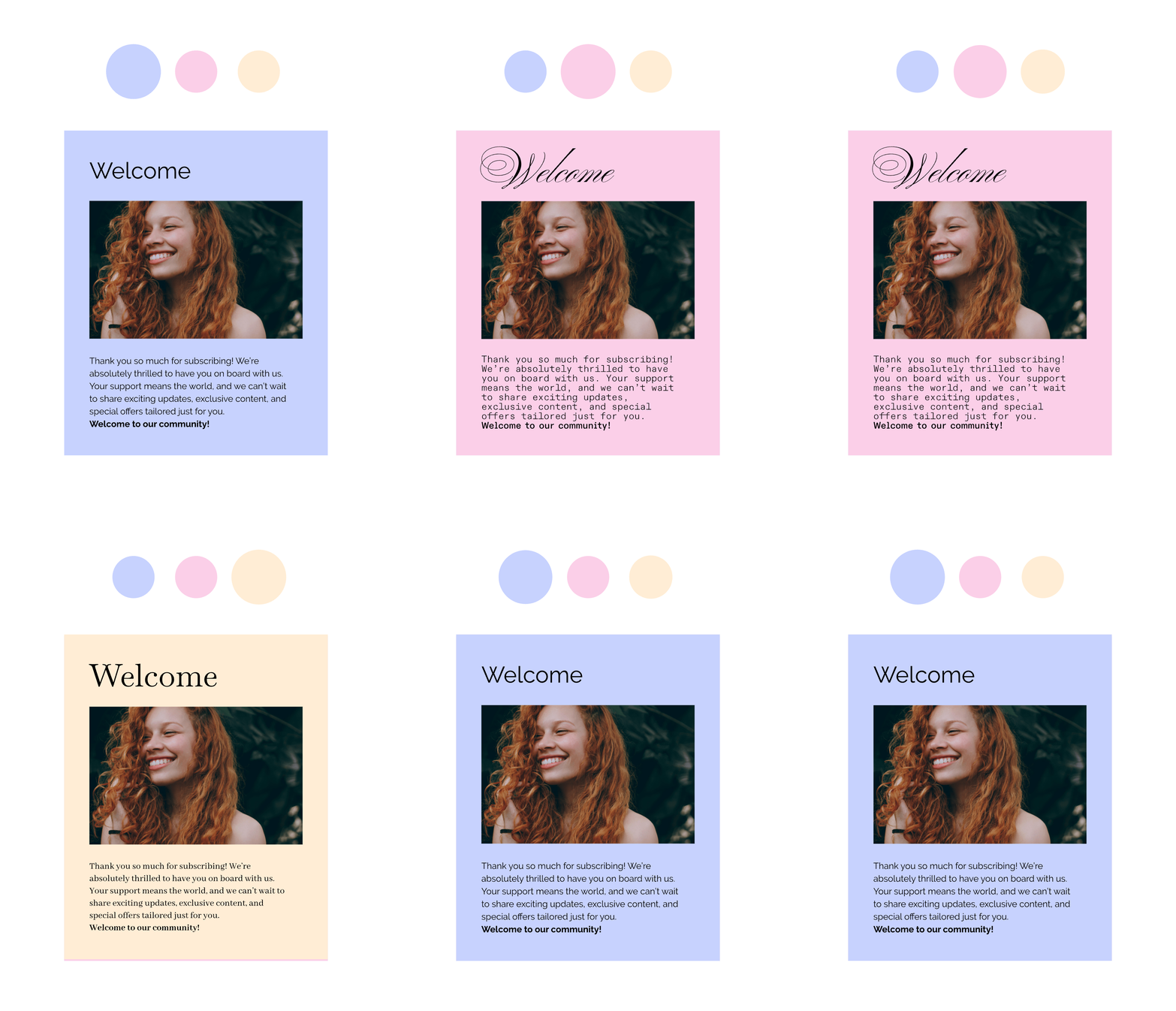
Lead magnets come with a headline, benefits, a thank-you page and freebie delivery.
You get up to five automated emails per lead magnet, drip campaigns, and info pages with video, testimonials and FAQs.
Every lead lands in your contacts, tagged with the page they came from, with a follow-up list for the personal touch.
You can connect Claude, ChatGPT or any MCP client and build pages and emails by describing them.
Pricing
There's a free plan, plus a 7-day trial of the paid features. Paid plans are $29.99 a month for Basic, $42.99 for Plus and $56.24 for Pro, all cheaper if you pay yearly.
Where it falls short
A few honest limits. SAGA doesn't process payments itself, so the last step of your funnel links to your company shop or a payment link.
There's no way to pause your account, but you can switch to the free plan to keep your data. WhatsApp broadcasts are on the Pro plan only, and email limits depend on your plan.
Frequently asked questions
What are the 4 stages of a sales funnel?
Awareness, interest, decision and action. People discover you, opt in for something free, learn enough to decide, then buy or book a call. You'll often see it shortened to AIDA.
How much does it cost to build a sales funnel?
Anywhere from free to well over $100 a month, depending on how many tools you stack. An all-in-one tool is usually cheaper. SAGA has a free plan, and paid plans start at $29.99 per month.
Can AI build a sales funnel for me?
Yes, at least the first draft. With an MCP-connected tool like SAGA, an assistant such as Claude or ChatGPT can create the pages and follow-up emails directly. Just review the copy before you publish.
How long does it take to build a sales funnel?
About an afternoon for a simple one: one lead magnet, one page and three emails. Faster with AI. Then improve it a little each week based on results.
Do I need a website to build a sales funnel?
Nope. An opt-in page and a link-in-bio page are enough to start. Most direct sellers never need a full website.
What is the difference between a sales funnel and a landing page?
A landing page is one step. A sales funnel is the whole path: the content that brings people in, the landing page, the follow-up emails and the personal follow-up that leads to a sale.
Conclusion
A sales funnel doesn't need to be fancy. An offer, a page, a few emails and somewhere to track your leads. Get a basic one live and improve it as you go.
If you lead a team, see how SAGA for Teams gives everyone the same funnels. Flying solo? Browse the full feature list.
The follow-up after the funnel matters just as much, so our guide to choosing a follow-up CRM is a good next read. And our network marketing software guide shows how funnels fit the rest of your stack.
Or just build one this afternoon (or ask your AI assistant to) and share the link tonight.
Was this helpful?
Still need help? Ask the team