What's New?

Follow new updates and improvements to SAGA.

Never stop improving — a smarter booking flow & recurring tasks
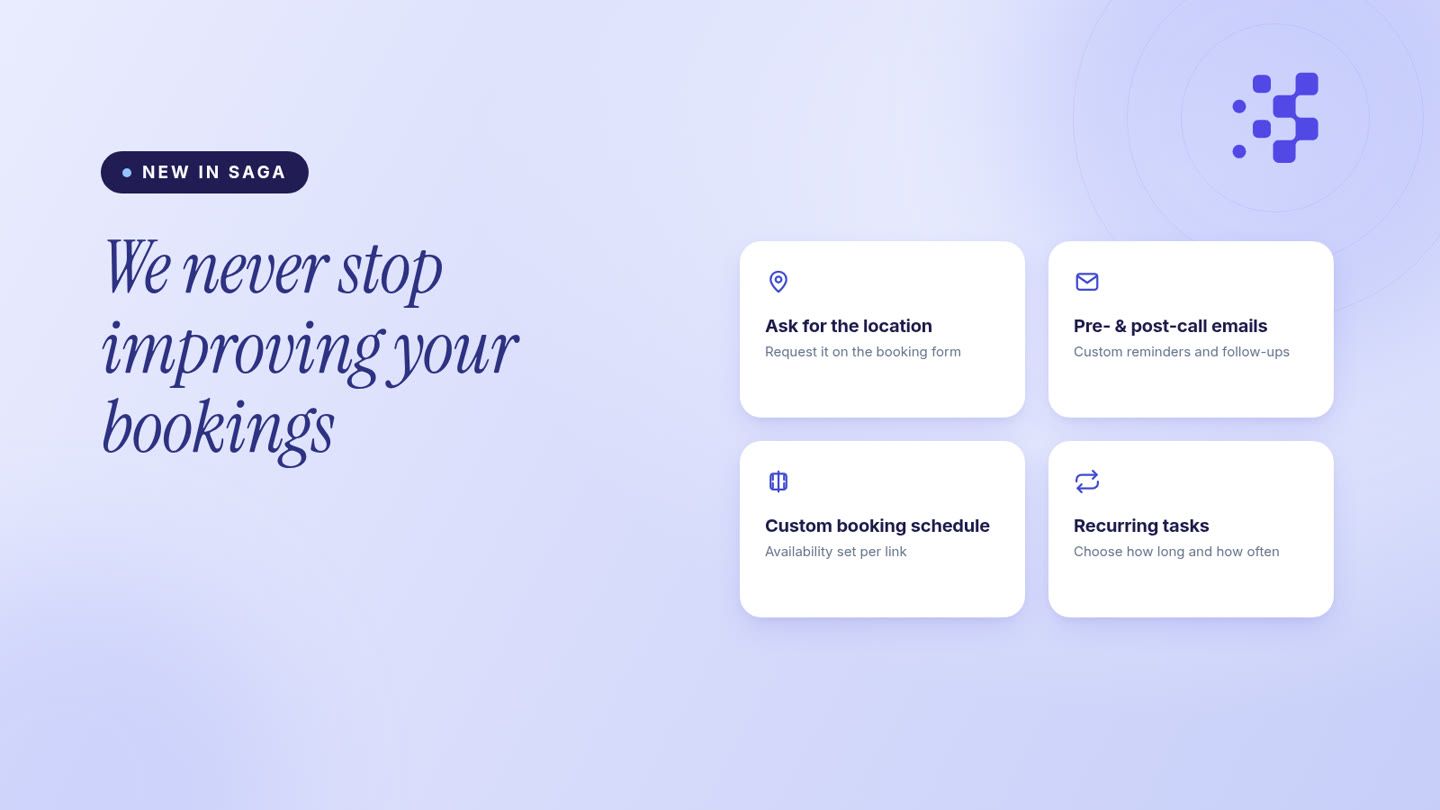
We'll never stop improving.

Every SAGA release starts with the same question: what's still slowing you down? This one is all about your booking flow — plus recurring tasks that keep your week moving, even when you're not looking.

Bookings: location, your way

You decide how the meeting location is handled. Set it yourself — an address, a phone number, or a meeting link — or ask the lead for it right on the booking form, so the details are captured before the call is even confirmed.

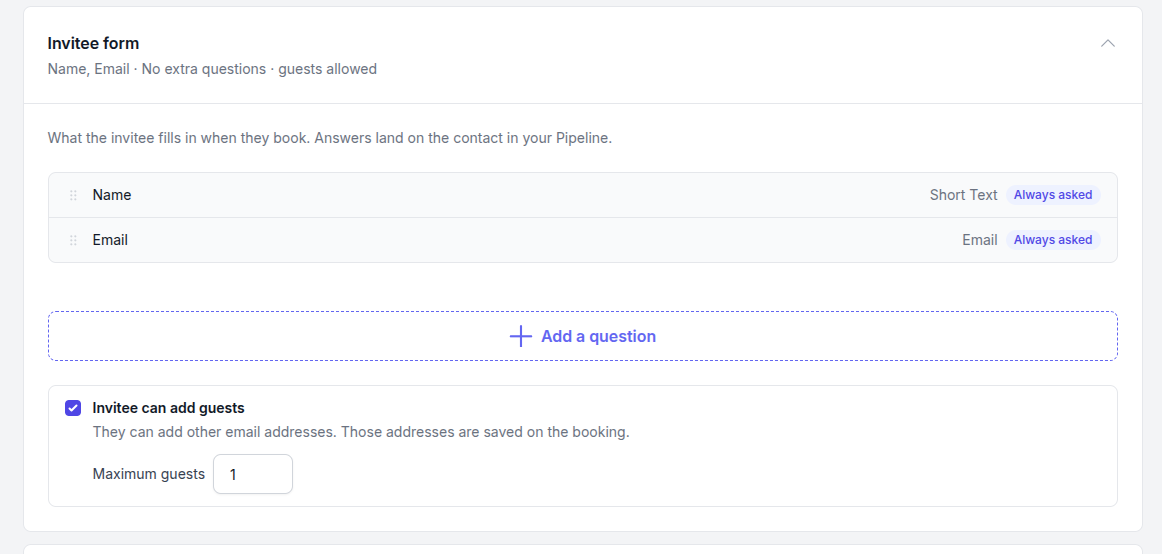
Your own form on the booking page

Add your questions to the booking page — short or long text, dropdowns, image choices or star ratings — and mark the ones that are required. Invitees can also add guests, so everyone joining is on the invitation. Every answer lands straight on the contact in your Pipeline.
Pre- and post-call emails, fully yours

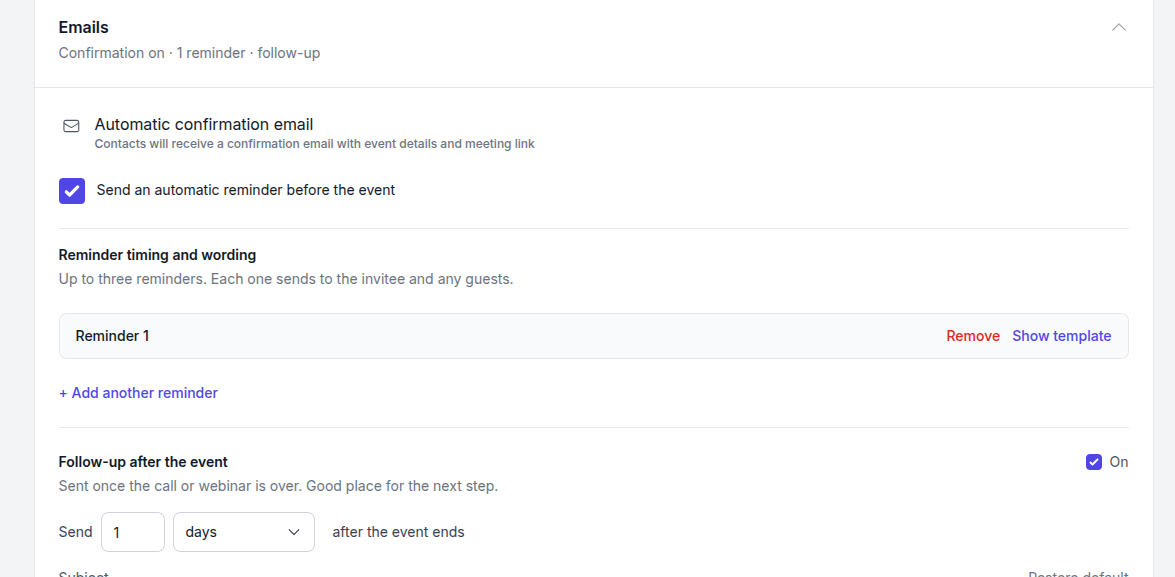
Booking emails are now completely customisable. Write your own reminder emails before the call — up to three — and a follow-up that goes out automatically afterwards. Every message uses your words, with the event details filled in for you.
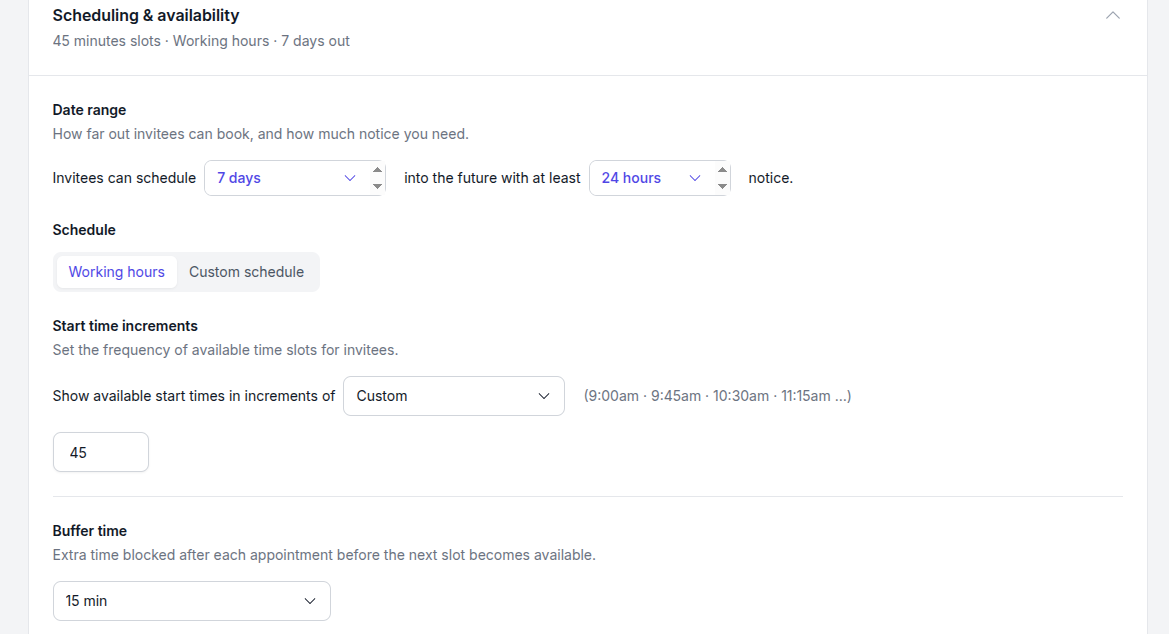
A custom schedule for every booking link

Your availability is yours to shape. Choose how far ahead invitees can book, how much notice you need, and how often time slots appear — and set your shared hours as the default across all your booking links.
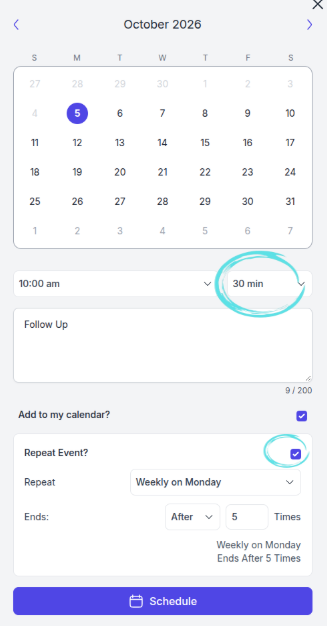
Recurring tasks, with a duration

When you schedule a task you now choose how long it lasts and whether it repeats. Set it to recur and SAGA rolls the next one forward automatically — so weekly and monthly follow-ups never slip.
This is what steady improvement looks like. More is on the way.
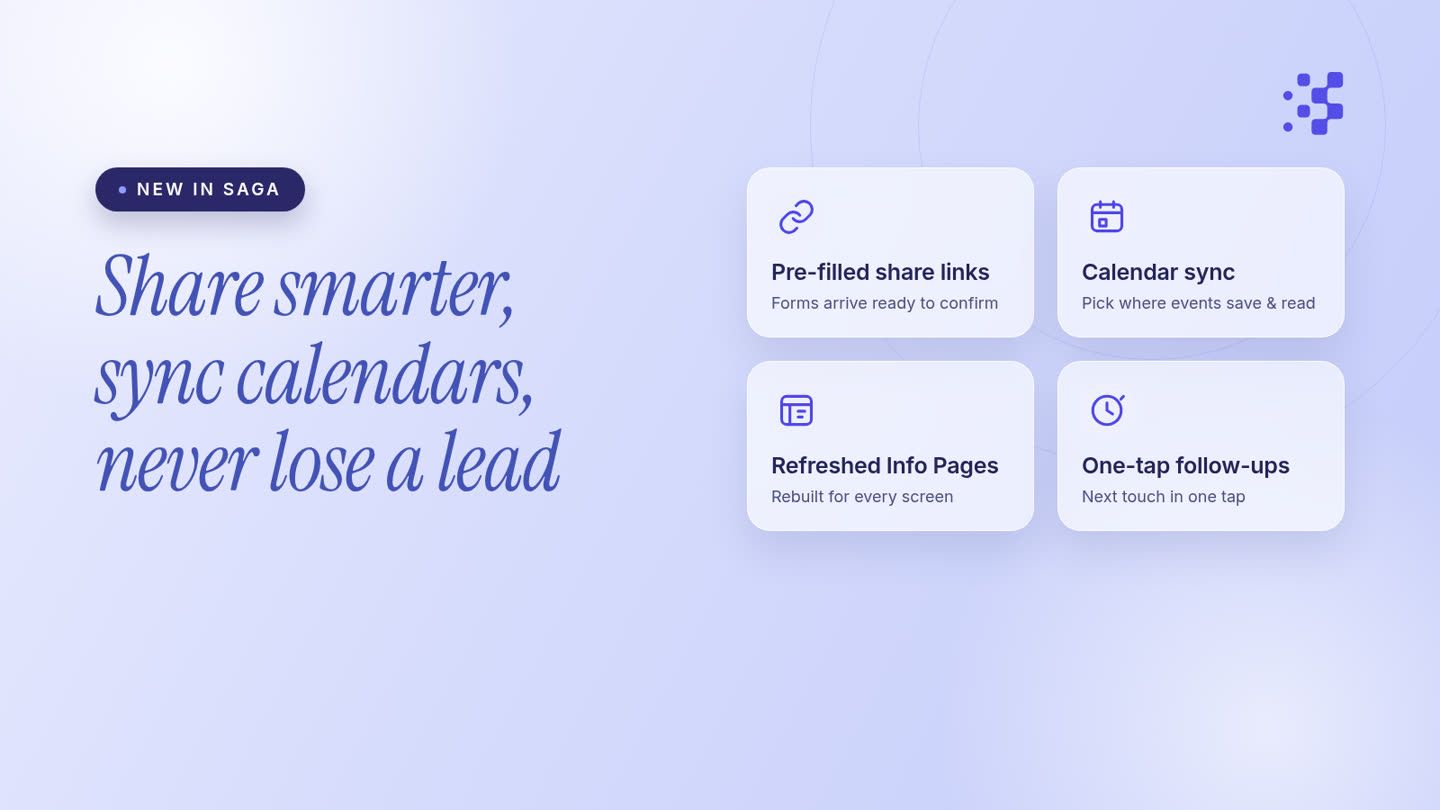
Smarter Sharing, Calendar Sync, Refreshed Info Pages & Follow-Ups That Never Slip

We're thrilled to introduce the latest updates to SAGA that enhance user experience and streamline functionalities. Here's what's new:

Share a tool, info page or booking link and it already knows who's on the other end

Form fields arrive pre-filled with the lead's existing details, so prospects just review and confirm instead of filling everything in again.

Calendar Integration

  • Event Management: Users can now select which calendars to save events to and which to read events from, enhancing customization and control.

  • Enhanced Visibility: View account details and upcoming event counts conveniently while choosing a calendar.

Learn more on how to set up and leverage this feature by following our comprehensive guide.

Info Pages

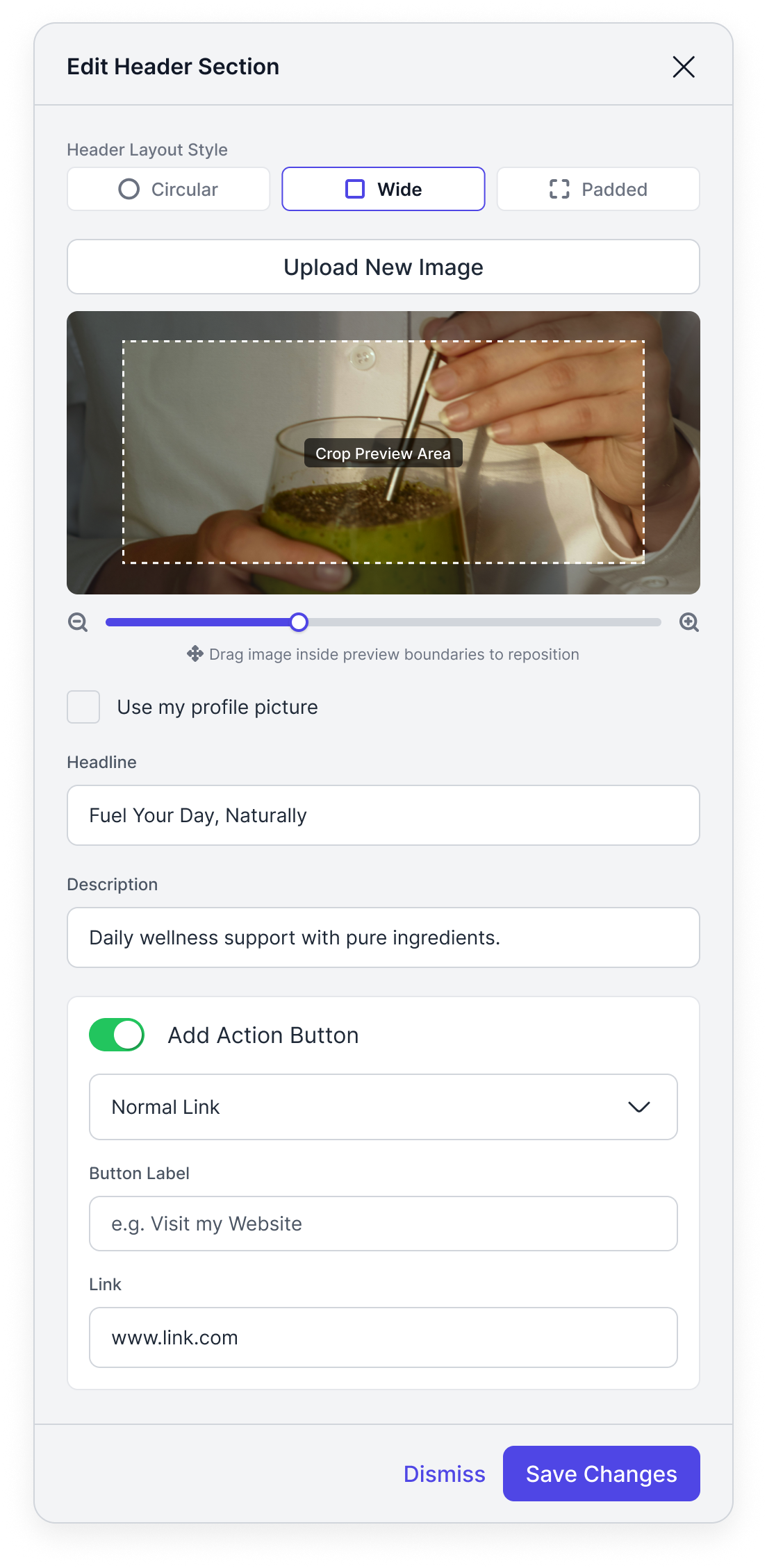
  • Responsive Layouts: Improved adaptability across various device sizes ensures a seamless experience.

  • Enhanced Design: Enjoy revamped testimonial displays and header aesthetics for an appealing look.

  • Image Management: Elevated management features for images, providing better control and presentation options.

We hope you enjoy these updates! We're as enthusiastic about improving your experience as you are about using SAGA. Share your thoughts and feedback to continue helping us grow.

Never lose a lead to a forgotten follow-up.

Schedule the next follow-up directly from a lead's activity. After closing a task, SAGA prompts you to schedule the next touchpoint in one tap — 24h, 3 days, a month or a custom date — with a floating Schedule button that's always in reach

Now connect Apple Calendar too, not just Google or Outlook

One more calendar, one less thing to juggle. SAGA now syncs with Apple Calendar, alongside Google Calendar and Outlook/Office 365.

What's new

You can now connect Apple Calendar to SAGA, on top of Google Calendar and Outlook/Office 365. Pick whichever one you actually use, set it as your primary calendar, and control what SAGA can see and sync. Your tasks, team events, and bookings stay lined up with the calendar you live in every day.

What you get

  • Connect Apple Calendar, in addition to Google Calendar and Outlook/Office 365 (mix and match as many as you use)

  • Pick your primary calendar for availability and bookings

  • Your booking page automatically blocks times you're busy, on whichever calendar you connect

  • New bookings and SAGA tasks sync straight to your chosen calendar

Try it

Go to Settings → Personal Settings and click Connect Calendar to get started.
Learn how to connect your calendar to SAGA

Earlier updates